Free
$0
Try the whole tool, no signup.
- Device mockups, recording & zoom editor
- Webcam + voiceover, full 1080p HD
- "capturelab.app" watermark on exports
CaptureLab combines screen recording, auto-zoom, and fast editing in one flow. Record, trim, and export polished demo videos directly in your browser.
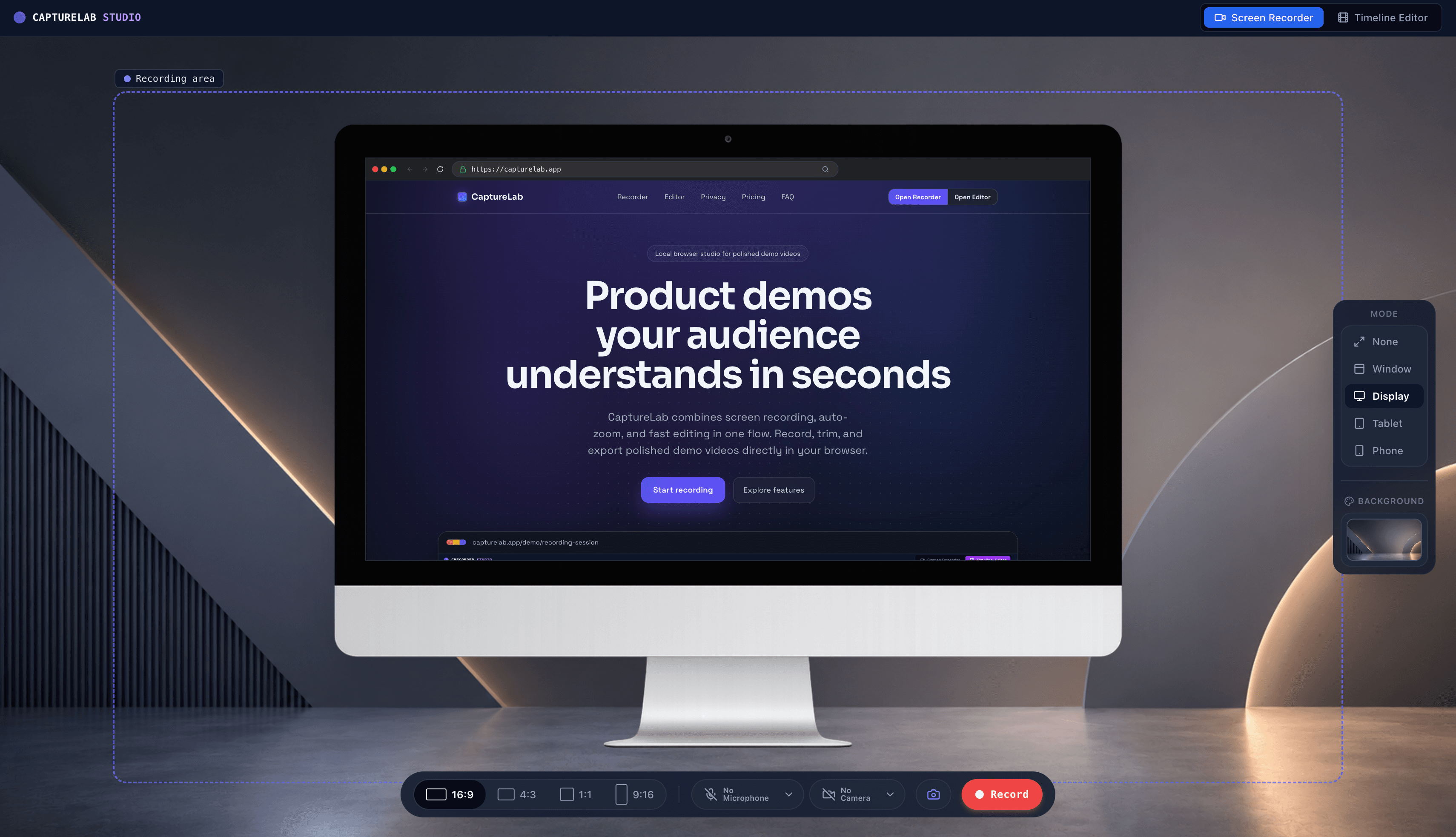
Capture HD videos directly in your browser. Record tabs, mic audio, device frames, and custom backdrops with zero setup or cloud latency.
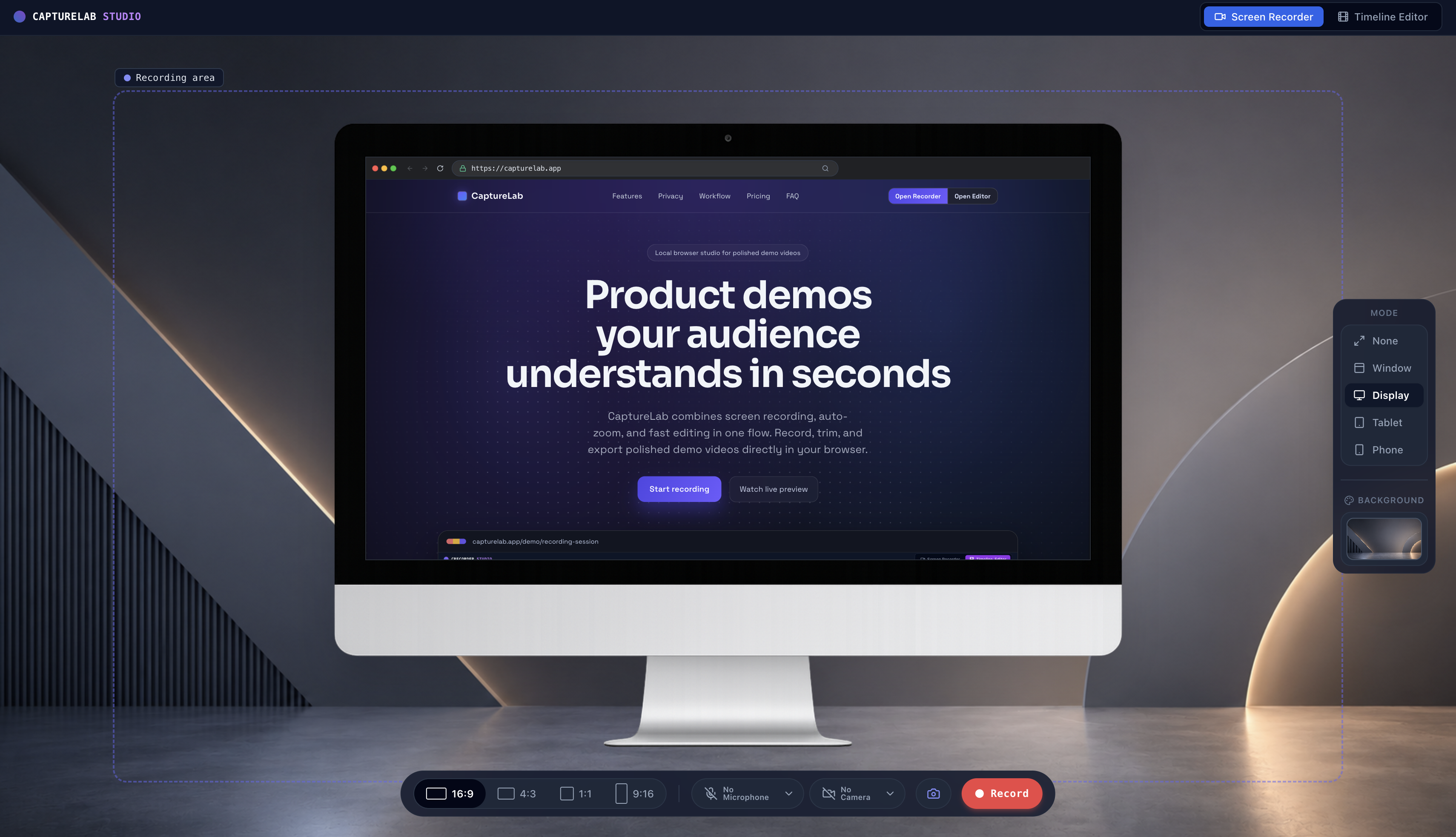
Select your active browser tab, window, or entire monitor in one click. Capture clear tab audio along with your microphone for seamless product walkthroughs.
Transform raw screen captures into stunning product videos. Fine-tune timelines, trigger cursor auto-zooms, process 100% locally, and export in 4K.
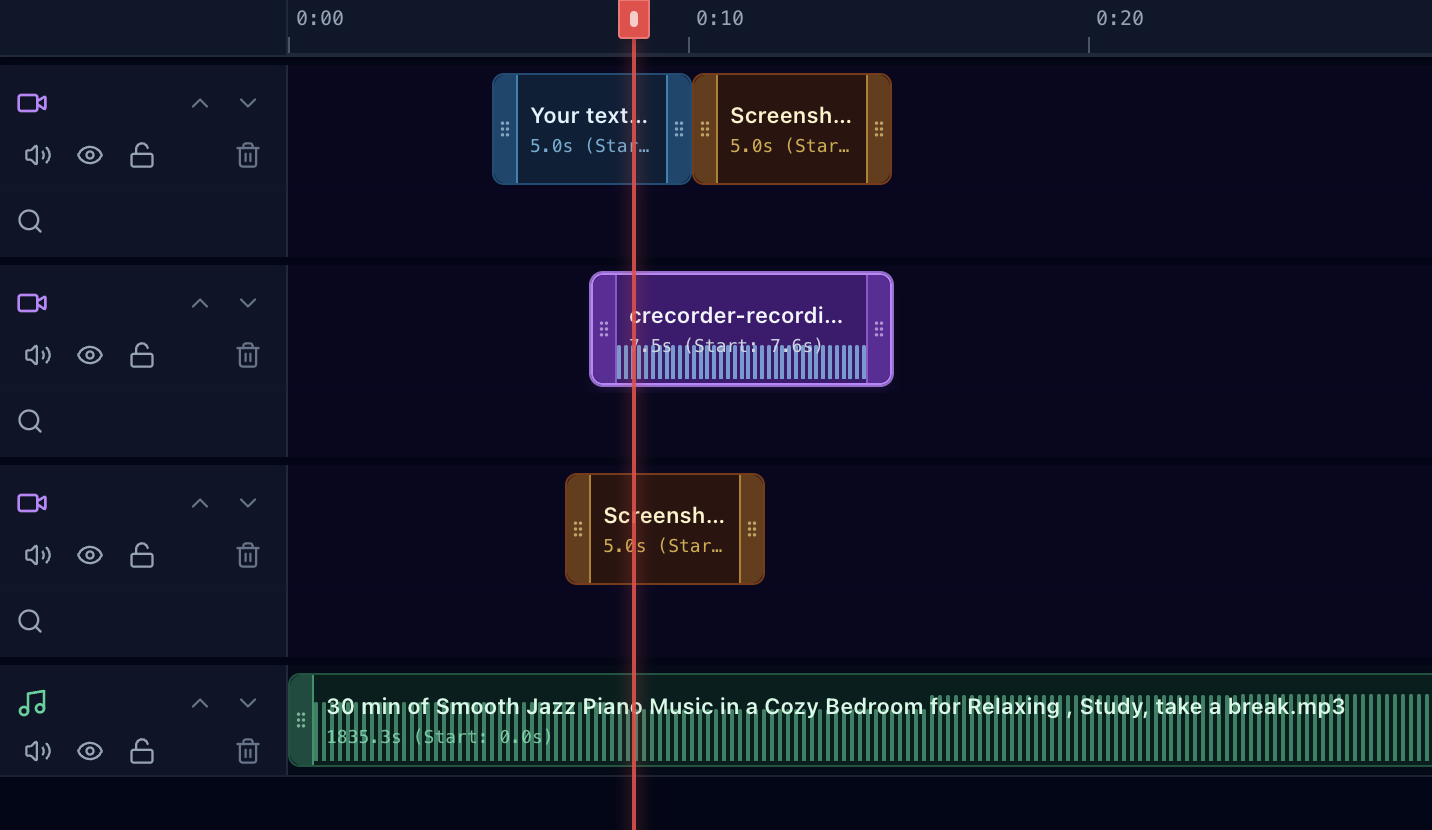
Trim clips to the frame, split recordings into chapters, add text overlays, and fine-tune individual audio tracks with precision.
CaptureLab Studio operates completely local-first. We built the entire recording, editing, and video export engine to run 100% inside your browser—with zero backend server calls.
Browser Stream API captures screen & mic directly into local RAM.
Local Media StreamRaw video frames & zoom markers stored safely in IndexedDB.
In-Browser DatabaseSmooth zoom keyframes & device frames calculated via Canvas API.
Client HardwareMP4 video file rendered directly to your downloads folder.
100% Private FileIn-Browser Engine
Your screen recordings, webcams, audio tracks, and edit timeline remain safely inside your browser memory & IndexedDB. Nothing leaves your machine.
WebAssembly & WebCodecs
All video processing, zoom keyframing, canvas compositing, and MP4/WebM exports are computed directly on your hardware using your local GPU/CPU.
Zero Backend Infrastructure
We don't operate video rendering servers or cloud storage buckets. We can't view, analyze, or leak your recordings even if we wanted to.
Confidential Workflows
Record secret staging environments, unreleased products, internal dashboards, and sensitive customer data without security compliance friction.
Pay once, use CaptureLab for life. Only the AI demo agent is metered - everything else is unlimited.
Try the whole tool, no signup.
Everything unlocked, forever.
After paying, your license key is emailed to you - paste it into the studio's settings to unlock.
Yes. You can open the web studio and start recording without paying or creating an account.
The web studio uses modern browser recording APIs. Chrome offers the best-supported experience, and the optional extension adds a shortcut from the current tab.
Yes. You can capture browser tab audio and your microphone together for guided demos.
No. Recording, editing, and exporting happen locally in your browser without an account or cloud upload.
Most users can record complete walkthroughs without issues. For very long sessions, we recommend splitting content into shorter chapters.
Yes. You can quickly trim recordings and clean up the final result before sending it.
Export the finished recording as a local video file, then share it through the channel of your choice.
Absolutely. CaptureLab is made for short, clear product demos, onboarding clips, and support explanations.